
Giving money back, how to read what is owed, and cancelling or deleting a payment line.
On this page
Recording a refund#
Path: Payments › the row menu (three dots) on a paid line › Refund. Or open the payment form and switch the toggle at the top from Payment to Refund.
The toggle appears once you have picked a member who has paid before. Refunding needs the Refund & void permission. Without it, in a studio that uses PIN codes, the menu reads Refund (a manager validates) and a manager approves it with their own code.
A refund is saved as completed straight away. In the history it shows in red with a minus sign and a Refund tag.
If you attach the refund to a plan, the amount recorded as settled on that plan goes back down, so the member owes again. Class credits are not given back, because a sum of money does not always map to a number of classes. Adjust the classes by hand if you need to.
Who owes you money, in one list#
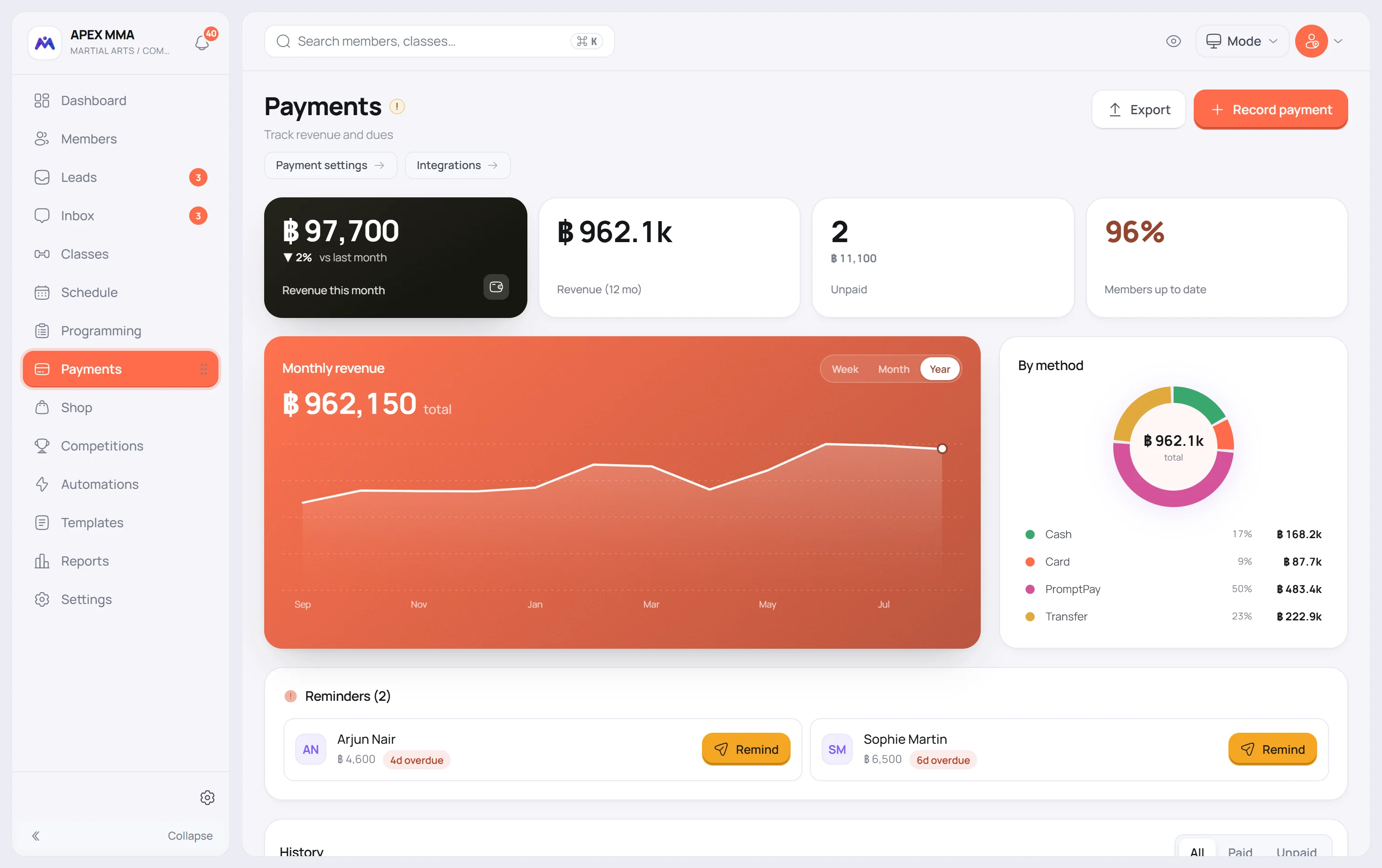
The Reminders block, the Members with a balance figure and the Balance on a member's profile all read one list of what is owed: overdue payment lines, what is left on a plan (its price minus what has been recorded against it), lines left open at the desk, and an open shop tab. Each person counts once, with their total.
In the history, the Unpaid filter shows the same debts line by line. What is left on a plan appears there as an Unpaid line, even though no payment was entered for it.
Exporting for your accountant#
Path: Payments › Export.
The window asks for a date range and lets you pick the columns. Refunds are written as negative amounts, which is what makes the file add up.
In the same window, Download the sales ledger gives your complete sales ledger, unaltered, for the same dates. It is meant for your accountant. On a phone, Export is in the History section.
Cancelling or deleting a payment line
Path: Payments › the row menu (three dots) on a paid line › Cancel this payment. The same menu is in the Payments tab of a member.
Cancelling asks for a reason. The payment stays in your ledger, shown as cancelled, and its amount no longer counts: what it had paid on the plan is taken back, so the member owes it again. To change only the amount, the date or the method of a paid line, use Correct amount, date or method in the same menu. A payment taken by Stripe or split across several methods can be cancelled but not corrected.
A line that is not paid yet, Pending or Overdue, has Delete in the same menu instead. There is no confirmation step and no trash to recover it from. The line is gone.
Deleting does not undo what the line did to the plan: an Overdue line attached to a plan has already lowered its balance, and the balance stays lowered after the deletion. Delete only a line entered by mistake.