
An off-by-default switch gives members a Freeze my plan button in their space. The freeze starts today, lasts the length set on the plan, and the frozen days are added back to the end date.
หัวข้อในหน้านี้
Switch it on#
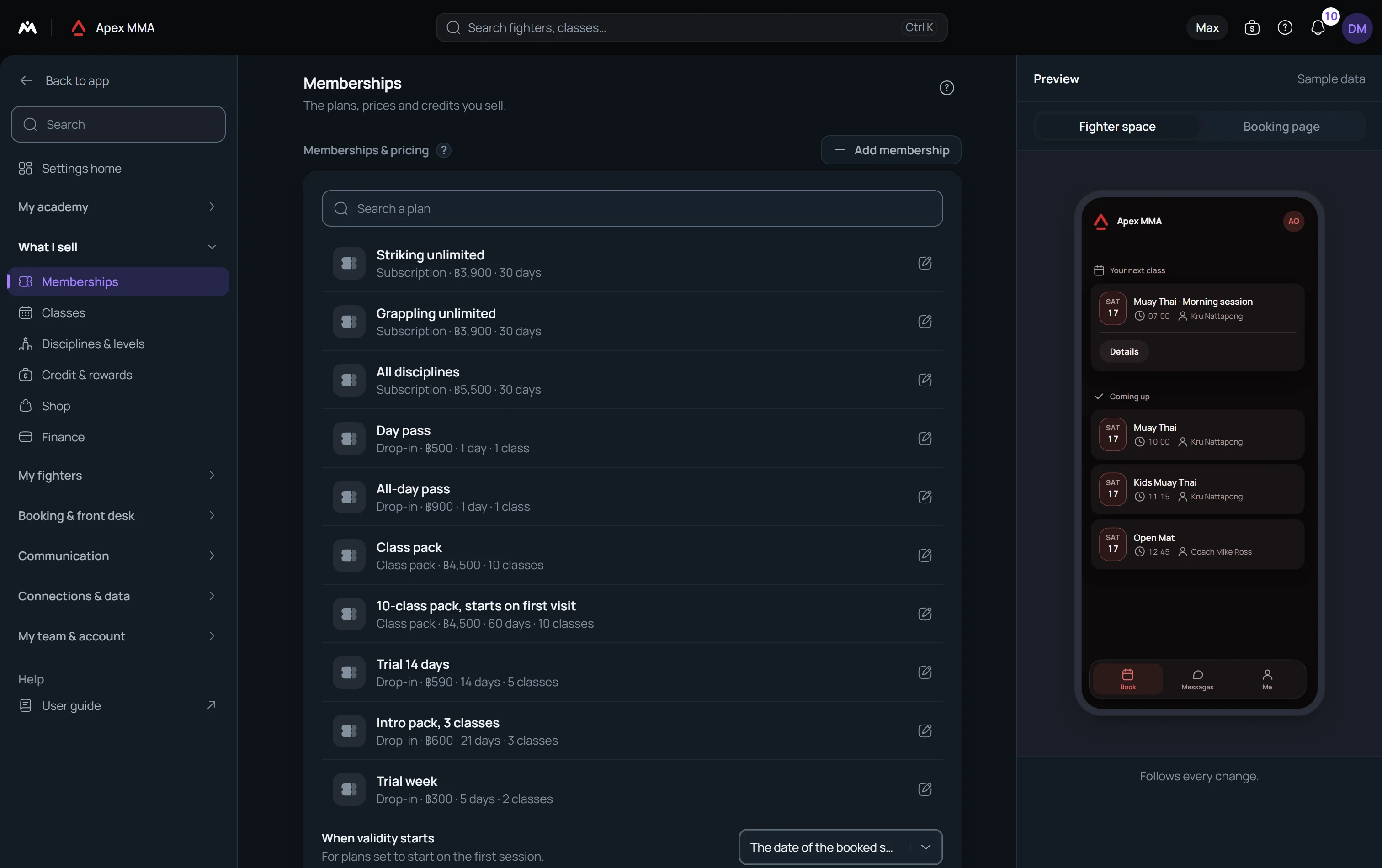
Path: Settings › Memberships › Let members freeze their own plan.
It is off by default. While it is off, members see no trace of a freeze in their space and only your team can freeze a plan. Once it is on, each plan that can be frozen shows the member a Freeze my plan button.
The member does not choose a date or a length. The freeze starts today and lasts the Suggested freeze length of the plan, brought back to the limit when the plan has one. If the plan has no suggested length, the limit itself is used. The limit is Max freeze days on the plan, or else Longest freeze you allow in Settings › Memberships. With no length and no limit, the plan cannot be frozen by the member.
Set the rules on each plan#
Path: Settings › Memberships › a plan › Selling.
Suggested freeze length is the number of days of a freeze, up to 365. Freezes per plan is how many times a plan may be frozen: empty means no limit, and 1 lets each plan be frozen once, which is how a one-week freeze, once, is written. Max freeze days caps a single freeze for this plan. No freeze makes plans sold from now on impossible to freeze.
Longest freeze you allow, in Settings › Memberships, caps every freeze of every plan that has no cap of its own. It is set to No limit by default.
What the member sees#
In the member space, the membership card on Me shows Details, and Freeze when a freeze is possible today. Both open the Freeze section of the plan.
The section reads You can freeze this plan for 7 days, starting today, for example. Freeze my plan opens a question, Freeze this plan, which names the end date and says that the frozen days are added back to the end of the plan. When the plan only allows a limited number of freezes, the question also says that the freeze counts even if it is ended early.
While the plan is frozen, the section reads Frozen until a date and offers End my freeze. Ending it restarts the plan today, adds the days that were frozen to the end date, and keeps that freeze counted as used.
When the plan cannot be frozen, the section says why: the freeze has been used, the plan cannot be frozen, or the plan has not started yet. A plan that is finished shows nothing.
What happens on your side
The membership shows as frozen right away. When the freeze ends, the end date of the plan moves forward by the days actually frozen, so the member loses no paid time. Both gestures are written in the activity log under the member's name.
If Membership paused is switched on in Settings › Automatic messages, the member receives that message when they freeze.
On a plan paid by card on a schedule, Settings › Memberships › Keep charging cards during a freeze decides whether the charges go on. When it is off, the card subscription is paused together with the plan. If the card payments cannot be paused, nothing is changed, and the member is asked to try again or to contact the studio.