
Each member has a personal code in their member space. At the door your staff scans it or types it in Entrance check, and the screen says in one look whether the person may come in.
On this page
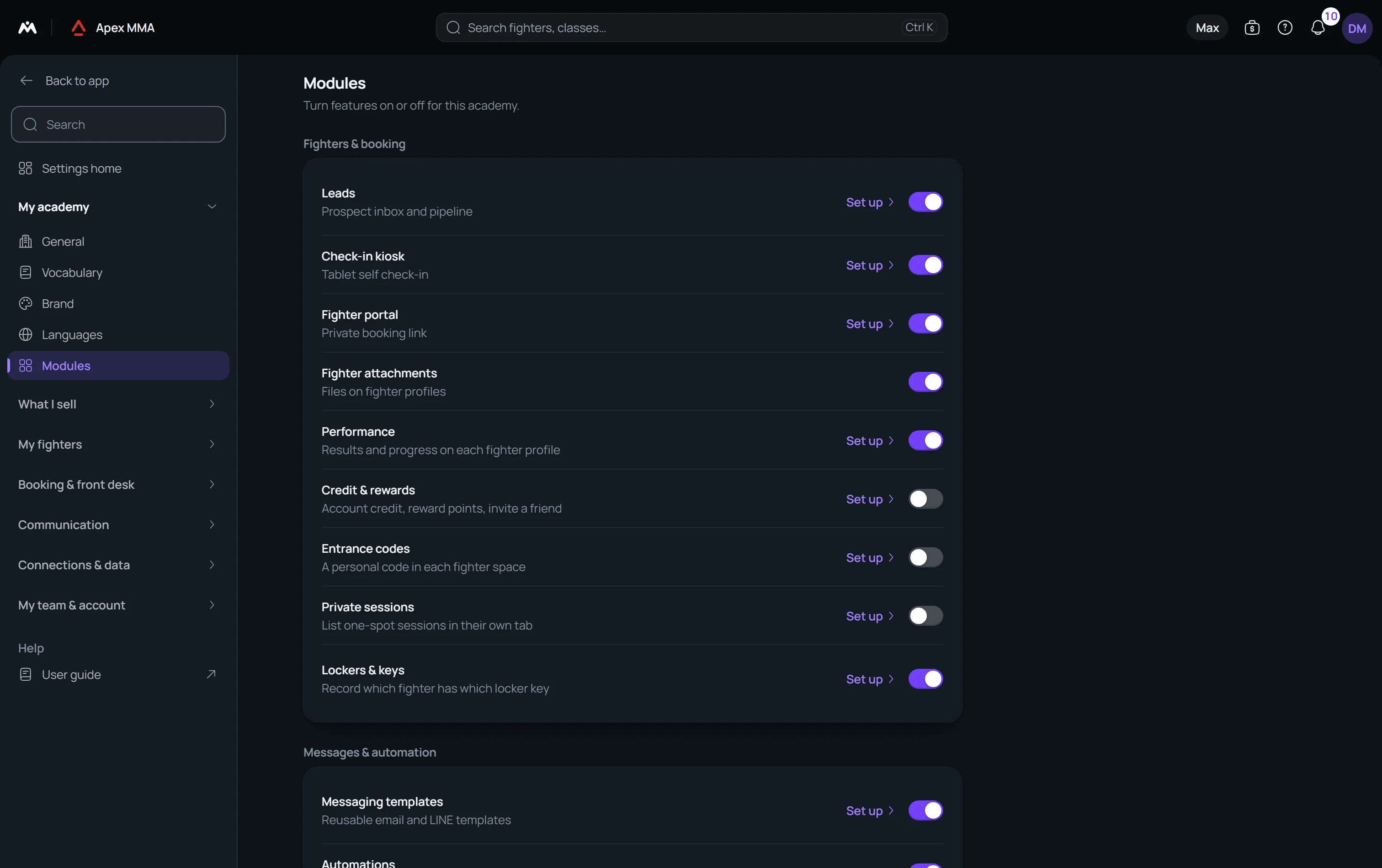
Turn entrance codes on#
Path: Settings › Modules › Entrance codes.
They are off by default and need no particular plan. Settings › Check-in shows a line telling whether they are on.
What the member shows#
In the member space, on the Me tab, the plan card has a line Your entrance code. Tapping it opens a full screen with a QR code and the same code written in two groups of four signs, with the sentence Show it at the entrance.
The code renews itself every few minutes, so a photo of it stops working after five to ten minutes. It never contains the link of the member space, and it cannot open anybody's space.
Check a code at the entrance#
Path: the Counter › Entrance check. On a phone it is More › Manage › Entrance check.
Click in the Entrance code field and scan: a barcode scanner types like a keyboard and ends with Enter. You can also type the code and press Check code, or press Use the camera when your browser can read QR codes. The camera button only appears where the browser can read a code. On an iPad or in Safari it does not: use a barcode scanner, or type the member's code. Chrome on Android can scan with the camera.
A large green card Active shows the plan, how many sessions are left (or Unlimited) and the end date. A red card No access gives the reason in words: unknown code, out of date, no plan, expired, frozen, paused, cancelled, no sessions left, starts later, monthly payment late, or a balance due, with the amount and the line Collect the balance before letting them in.
Under the card you also see the balance with a Collect button, a Waiver not signed warning with Open profile, and today's booking. The decision is the same rule that decides whether the person may book.
Then check them in
The screen offers today's classes whose check-in window is open and not finished. The class the person booked is already picked, and the button reads Check in to the class. If the person is refused, it reads Check in anyway to the class.
When there is no class to offer, the button is Check in without a session, which records a visit.
Limits
A device reads at most 60 codes a minute. Fifty unknown codes in ten minutes pause it: Too many codes in a row. Wait a minute, then scan again.
Entrance check is in the Counter and on the phone front desk, not in the Desk.