
Online booking from the member space: where the switch is, what members see, and what stops a booking.
On this page
Switch it on, it is off by default#
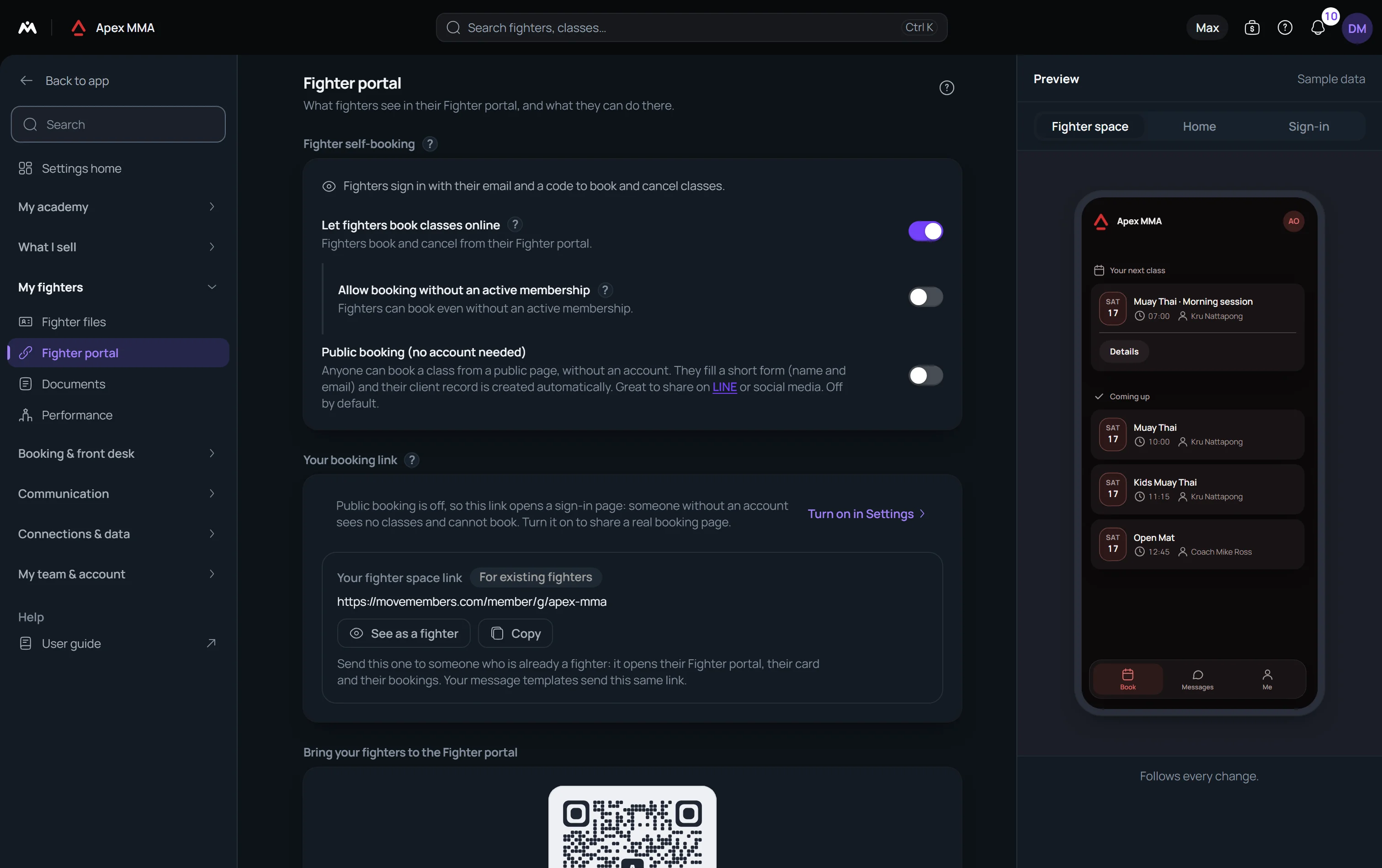
Path: Settings › Member portal › Member self-booking › Let members book classes online.
Until it is on, the member space still shows your schedule, with no Book button and a line saying online booking is currently turned off. Nothing is broken, they just cannot reserve.
What the member sees on the booking screen#
A row of days scrolls at the top. Under it, the classes of the selected day, each with its time, its name, its coach and a Book button. The number of places only shows when three or fewer are left, as 2 left, or as Full.
How far ahead they can book comes from Settings › Booking rules › Booking window › How far ahead, thirty days by default. You can also choose until the end of this week or of next week. A class further out simply does not appear, and with thirty days the last open day is today plus twenty nine, not today plus thirty. A membership can open a longer window for its holders, in Settings › Memberships, under Booking rules inside the plan.
A day you closed, or a session you cancelled, still shows in the list, greyed out and labelled. Tapping a class opens its description and the workout of the day, when one is published.
Cancelling, and the deadline you set#
Path: Settings › Cancellation & no-shows › Cancellation rules › Cancellation cutoff.
Two hours before the class by default. Past it the member reads that it is too late to cancel online and has to contact you. Set the cutoff to Anytime if you do not want a deadline at all.
Moving a booking to another class follows the same deadline, counted from the class the member leaves. A booking still awaiting payment can be cancelled at any time.
Under it, Cancellation policy shown to members is free text, with one version for each language you serve, displayed word for word in the sheet the member confirms in. Leave it empty and nothing is shown.
Checking in from their own phone
A member with a booking today sees a Ready to check in card, with a Check in button, in the window around the class start time. The width of that window is Settings › Check-in › Check-in window, sixty minutes by default, counted both before and after the start.
The email that confirms a booking
The confirmation email carries the class, the date, the time, the coach and the address of the place, when you have filled them in. An Add to calendar button gives the member a file for their calendar. The same button is there when the booking was made at the front desk or on your public page.
In a studio that writes to its members in two languages, a member with no language on their file receives both, one under the other. The status of the booking, for example Confirmed, is then written in both languages on the card.
Troubleshooting
There is no plan to upgrade for this
Online booking is included from the free plan, so no plan badge is ever shown on this card and the switch is never greyed out for billing reasons.
If the card is missing entirely, the member portal module has been switched off for your account. That hides the whole card rather than greying it.
What stops a booking
The right to book comes from memberships, not from the status on the profile. One valid membership is enough: active, not past its end date, and with credits left if it is a class pack.
Without one, a notice at the top names the reason: no active membership, expired, paused, frozen, cancelled, no classes left, or a monthly payment overdue. Each class then shows Locked instead of Book. Tapping Locked explains the reason and offers to message the gym or open the membership.
If you turned on Allow booking without an active membership in Settings › Member portal › Member self-booking, a member without a membership can book anyway. It is off by default.
A full class shows Waitlist instead of Book, and the member confirms joining the waitlist. A member holding two valid memberships or more is asked which one to use.
A class that is inside your Minimum notice, in Settings › Booking rules › Booking window, shows Too late instead of Book. Your team can still add the member at the desk.