
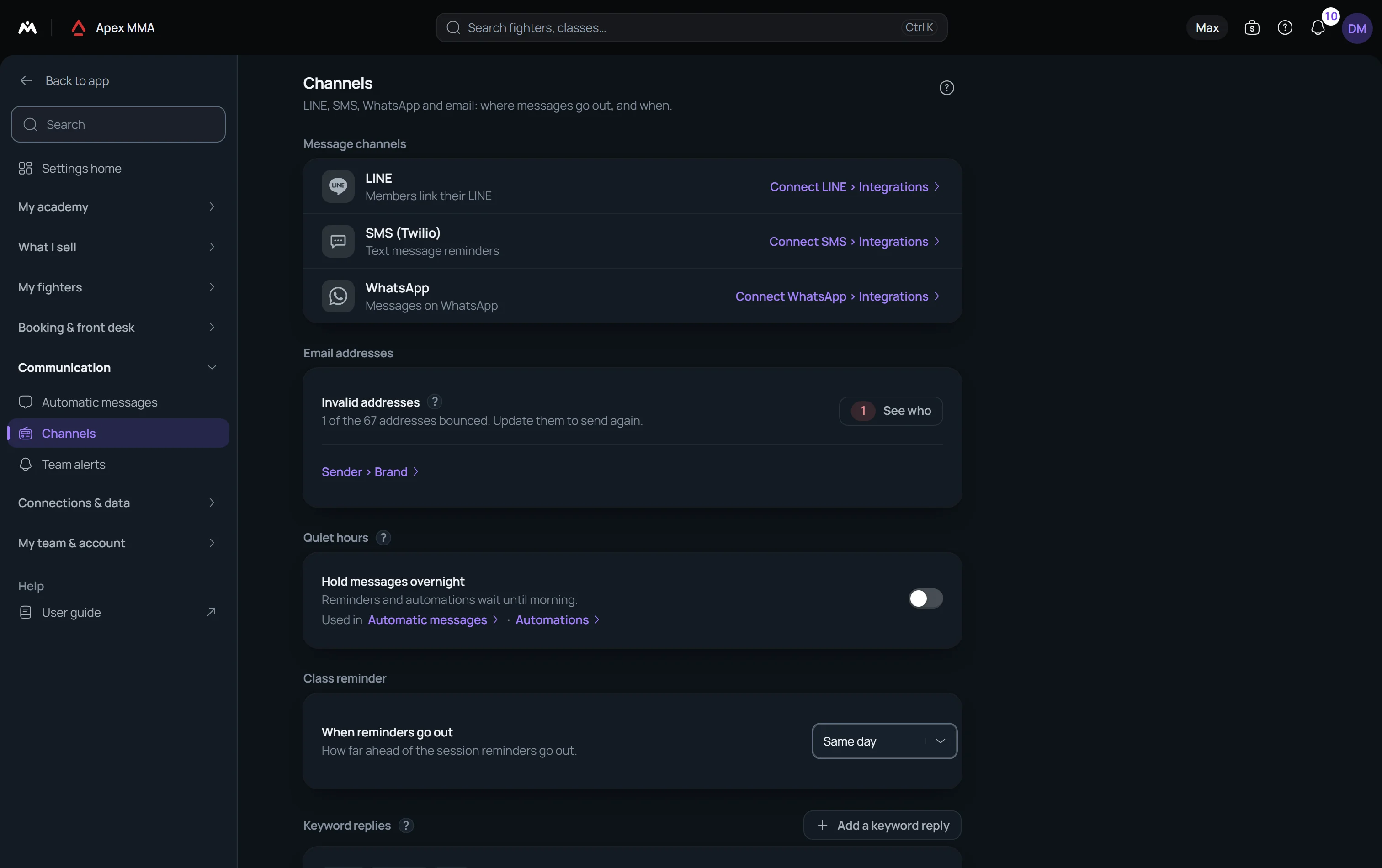
Two settings of the Channels page: a night window during which reminders wait, and replies that go out by themselves when someone writes a word you chose.
On this page
Steps
- Open Settings › Channels and find Keyword replies.
- Press Add reply.
- Type the trigger words, for example hours, opening, open.
- Write the reply, then save.
Hold messages overnight#
Path: Settings › Channels › Quiet hours.
Turn on Hold messages overnight and pick the two hours. The window starts at 21:00 and ends at 08:00 until you change it, and it follows the time zone of your gym. It is off by default, so nothing changes in a gym that never opens this card.
Reminders and automations that fall inside the window wait, and leave at the first allowed hour. Booking confirmations, cancellations, moved bookings, waitlist messages, receipts and plan changes always go straight away.
When a reply stays silent#
The same member never gets the same reply twice in a row, even if they write the word three times.
Nothing goes out while one of your team is already answering that member. If you wrote to them in the last hour, the reply keeps quiet.
Only a message that comes in can trigger a reply. A message you send yourself never does.