
An automation is the rule. A message is the text it sends. Two objects, and that is all there is.
On this page
An automation is the rule that sends it#
Path: Automations.
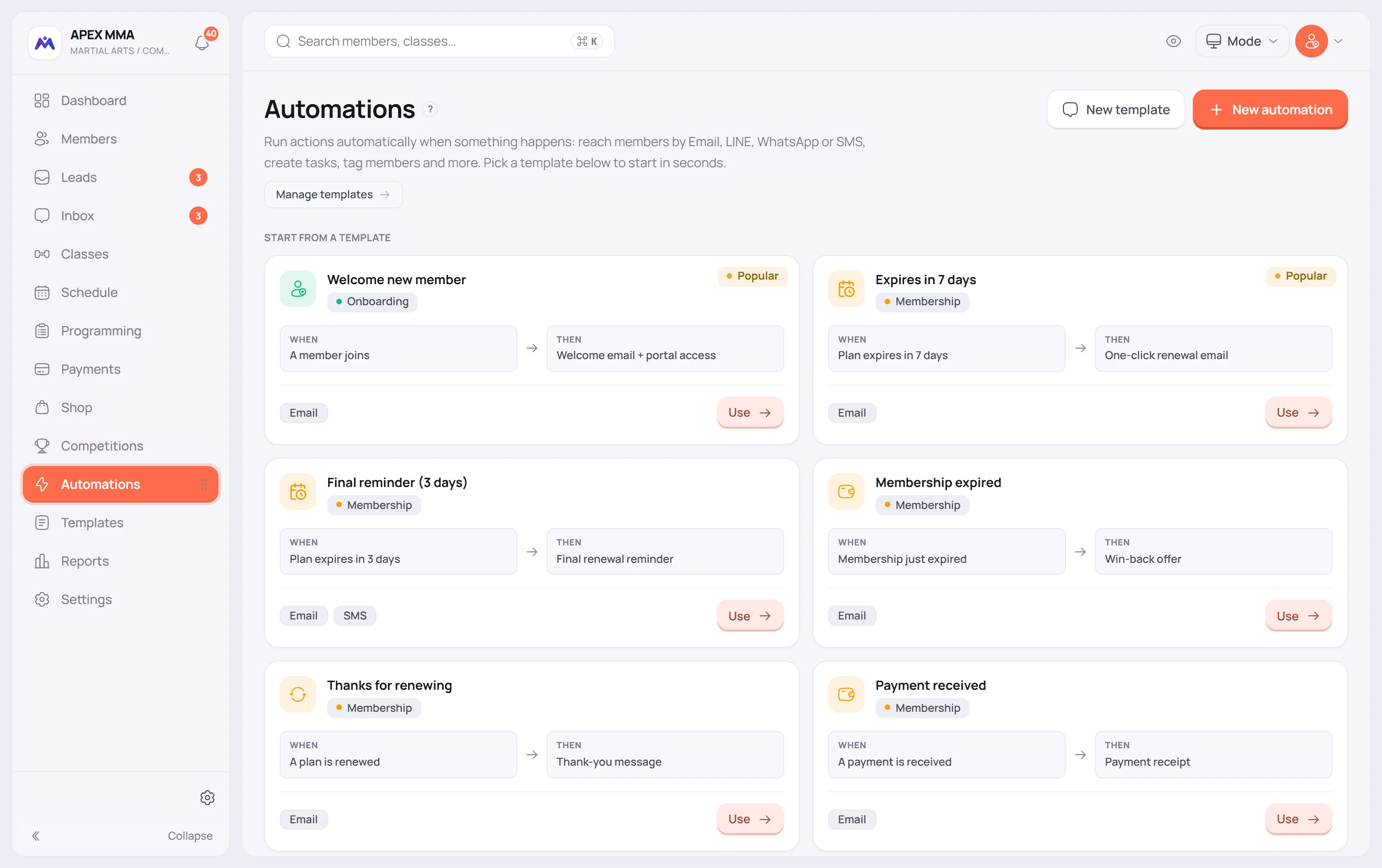
An automation says: when this happens, do that. The trigger is a moment in a member's life, and the action is often sending a message. Choosing that action makes a message mandatory.
A sequence spreads it over several days#
Path: Automations › Sequences.
It is not a third object: it is an automation in several steps. Where a plain one reacts once, a sequence sends several messages spread over days: a welcome series, a win-back, a lead follow-up. Its texts are written inside the steps, not taken from your messages.
Sequences are part of the Max plan.
A campaign is a one-off email to a group#
Path: Campaigns.
A campaign is an email you write yourself and send once, to a group of your members that you choose. It never runs on its own, so it is neither an automation nor one of your messages.
Channels have their own conditions
Email always works. LINE, WhatsApp and SMS go through your own account, connected in Settings › Integrations, and a channel that is not connected cannot be selected.
Replies your team types in the LINE app do not sync back into the Inbox: LINE only forwards what the member sends, never what you send from the LINE app. Reply from MoveMembers so the whole conversation stays in one place.
Troubleshooting
A message is a text, nothing more
Path: Automations › Messages.
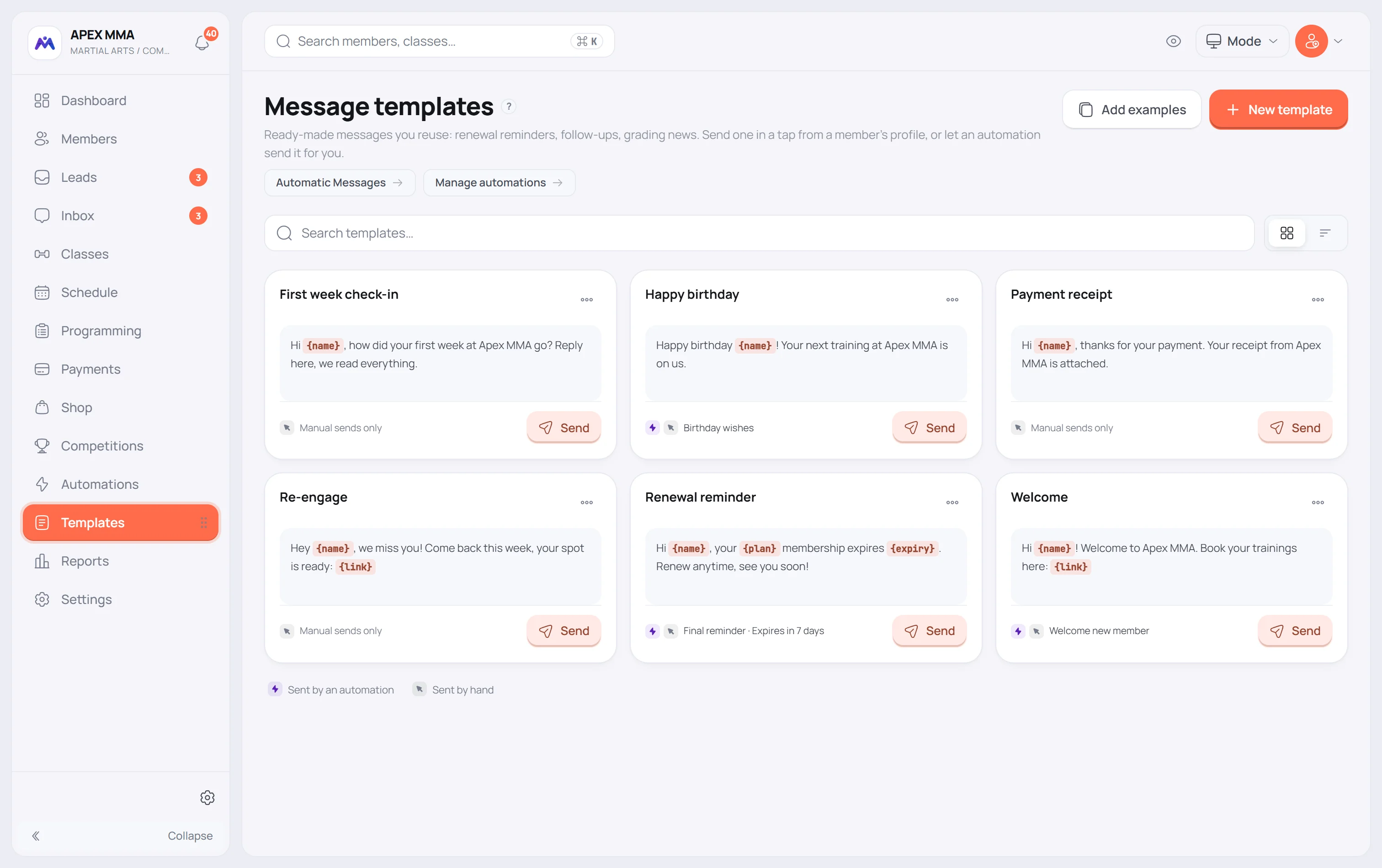
A message never sends itself. It is a text you write once and reuse: either you send it in a tap from a member's profile, or an automation sends it for you when something happens.
Built-in messages are a fixed list you do not write
Path: Settings › Automatic messages.
A closed list of seventeen messages: booking confirmation, booking cancellation, booking moved, class reminder, gym closed, spot assigned, waitlist confirmed, spot available, membership activated, expiring soon, paused and ended, payment receipt, payment reminder, buddy pass, new personal record and badge earned. You switch each channel on or off, you never create or delete one.