
One switch opens a public booking page. A newcomer picks a class and fills in a short form, their client record is created on the spot, and only the classes you tick are offered.
On this page
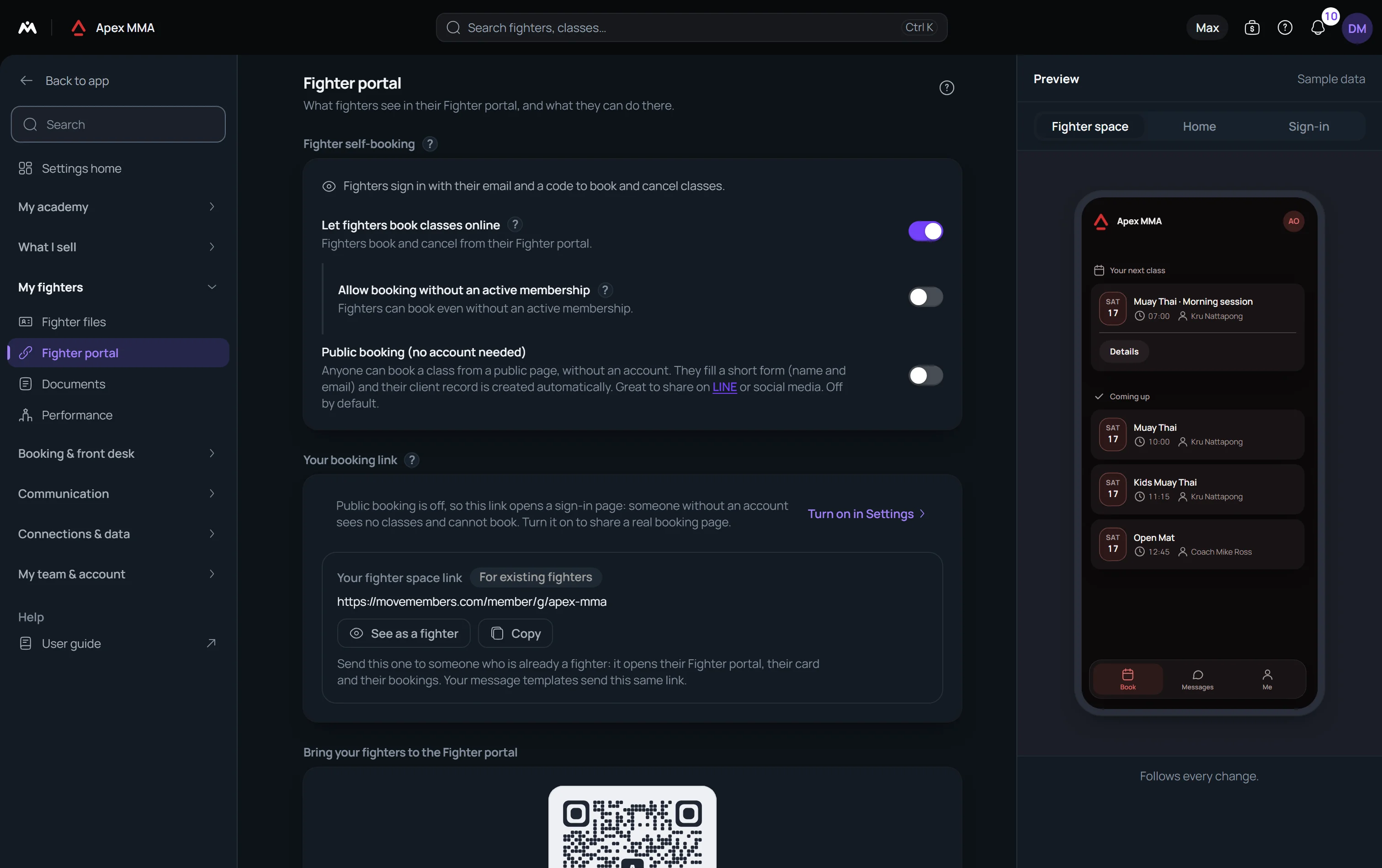
Switch it on, then tick what newcomers can book#
Path: Settings › Member portal › Member self-booking › Public booking (no account needed).
It is off by default. Turning it on opens nothing by itself: a class is offered to newcomers only when you tick it. Until you do, the page is empty and the card says No class is open to new clients, so your public link shows an empty page.
Path: Settings › Member portal › Member self-booking › Classes new clients can book. Each chip is a class name, and ticking it opens every slot of that name. On an appointment business the row reads Sessions new clients can book.
You can also decide class by class. In the class form, Who can book offers Members only, Members and newcomers, and Newcomers only. Newcomers only hides the class from your members, which suits an intro session sold to newcomers. Members always book everything from their own space.
What a newcomer sees#
Path: Settings › Member portal › Your booking link › Your booking & sign-in link.
It is the one link to share. Someone who opens it is asked How would you like to book, with No account needed on one side and I'm already a member on the other. Ticking Send newcomers straight to the booking form in the same card adds ?new=1 to the link you copy, so a visitor lands on the form directly. Use it where you only reach newcomers, such as Instagram or a flyer.
The newcomer picks a day, then a class with its time, its coach and its places left. A class that is full reads Full, and one inside your minimum notice reads Too late. At the last step they fill in the form, press Confirm booking and read You're booked. A confirmation goes to their email, with a link to cancel while your cancellation rules allow it.
What the booking form asks#
Path: Settings › Member portal › Your booking link › Booking form › Customize.
First name is always required. Last name and Phone can each be set to Not asked, Optional or Required, and both are optional by default. Email is required, except when your LINE sign-in rules make it optional: the visitor then continues with LINE and their confirmation and reminders go to LINE.
Path: Settings › Member files › Custom fields. A field you mark Ask at sign-up is asked on this page too, and the answer lands on the profile. It never sets a group, a plan or a price by itself.
What is created in your software
The booking goes through the same engine as a member booking, so capacity, closed days and cancelled sessions are respected. A client record is created from the form, or found again by its email.
If the email already belongs to a client, the page says This email is already registered and offers Sign in instead or Use a different email. The person then signs in to book with their membership.
The new client has no membership and no credit is used. Your team receives the New lead alert, with a subject that starts with New client booked and gives the class, the date and the contact details. It is on by default, and Settings › Team alerts says who receives it.
Offer a trial session
Path: Settings › Member portal › Member self-booking › Trial membership.
Choose the plan that a trial session adds, then tick Trial session on the class, a box that only appears for a class open to newcomers. A new client who books that class through this page gets the trial plan added to their file unpaid, so the session is counted and you only have the payment left to record. Someone who has ever had a membership gets nothing.
Give the trial back after a no-show, just below, returns the trial to a client who missed it so you can invite them again. The second switch only appears once a plan is chosen.
Prices, payment, and buying before booking
Path: Settings › Member portal › Member self-booking.
Show membership names and prices puts the name of the intro membership and the price of a single session on the page. It is off by default.
Visitors buy a membership before booking asks a new visitor to buy a membership online first. They prove their email with a six-digit code, their profile is created once it is verified, and nothing is booked before the payment. Free intro sessions stay bookable as before.
Whether a place is confirmed right away or held until a payment you confirm is decided for the whole gym in Settings › Booking rules › When the place is confirmed.