
PIN login puts a name on every action recorded from a shared tablet, with auto-lock and shifts on top.
On this page
Who can see this tab#
Path: Settings › Security.
The tab only appears for Owner and Admin. Other roles do not see it in the settings menu, and the server refuses the change anyway if it is reached another way.
If a colleague tells you the tab is not there, that is their role, not a problem with the software.
Turn PIN login on#
The master switch is off by default. Off means email login only, exactly as before.
Turning it on asks you to confirm, then, if you have none yet, to choose your own four-digit code. After that the app asks who is using it, then asks for a code. Each staff member sets their own code the first time they unlock. From then on, actions are recorded in the activity log under that person's name instead of a generic staff entry.
You can turn it off at any time. Nothing is lost and everybody goes back to email login.
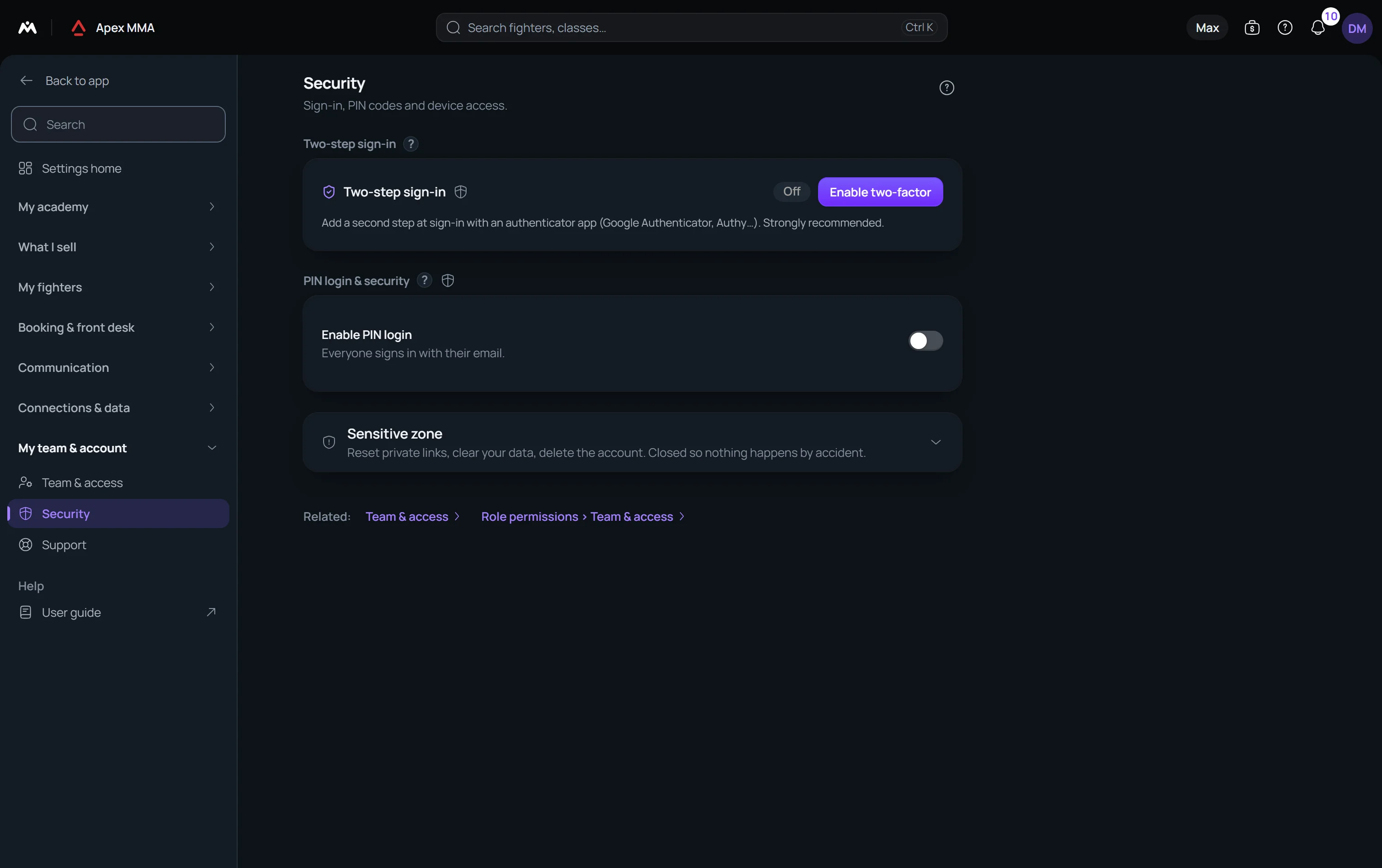
Two-step sign-in for the owner#
Path: Settings › Security › Two-step sign-in.
Only the owner of the account sees it. It is off unless you turn it on, and nobody is asked for a code until then.
Press Enable two-factor, scan the QR code with an authenticator app such as Google Authenticator, type the 6-digit code it shows, then save the backup codes somewhere safe. Each backup code works once if you lose your phone.
Auto-lock and sensitive actions
Auto-lock sends the app back to the user list after a period of inactivity: five, fifteen or thirty minutes, or never. Fifteen minutes is the starting value.
Require PIN for sensitive actions asks for the code again before a short, fixed list of actions: deleting or archiving a member, removing a team member, recording a refund, cancelling, correcting or deleting a payment, cancelling or deleting a membership, adjusting a member's credit or reward points, changing or removing who invited a member and taking back a friend reward, undoing a visit conversion or an import, exporting the member list or the payment, membership and expense files, downloading the data export, changing what each role is allowed to do, and changing these security settings.
What the server checks by itself
Some operations are refused by the server without proof that a PIN user is behind them: the data export and the member list export; deleting, cancelling or correcting a payment and recording a refund; deleting a member; undoing a visit conversion or an import; adjusting credit or reward points; and changing, removing or taking back a friend invite.
If you see the message asking you to unlock with your PIN again, unlock and start the action over.
Staff PINs and how to reset one
Under the switches, the Staff PINs list shows every team member with a green PIN set or an orange No PIN.
Somebody who forgot their code cannot change it themselves. Click Reset PIN on their line, confirm, and they choose a new one the next time they unlock. The reset is written into the activity log.
Shifts
Turn on Enable shifts and staff open a shift when they start work and close it when they leave. A second card then appears, On shift now, listing who is currently open and since when.
The card only shows when both PIN login and shifts are on. Turning PIN login off hides all of this.
On shift now lets you start a shift by hand with Start a shift for… and Start shift, and close one with Close shift. Below it, Recent shifts lists the last 20 closed shifts with what each person did during them, read from the activity log.